
Portrait retouching guide: 35% avoid over-editing
Many believe portrait retouching transforms appearances beyond recognition, yet professional retouching focuses on subtle enhancements. Studies show over-retouching causes dissatisfaction in 35% of clients, highlighting the importance of balance. This guide explores retouching techniques for natural pet and family portraits, explaining methods, debunking myths, and helping you make informed decisions when commissioning custom artwork.
Table of Contents
- What Is Portrait Retouching?
- Technical Methods Used In Portrait Retouching
- Common Misconceptions About Portrait Retouching
- Comparison Of Manual Vs Automated Retouching Techniques
- Decision-Making: How Much Retouching Is Enough?
- Practical Tips For Pet Owners And Families
- Discover Expertly Retouched Custom Pet And Family Portraits
- Frequently Asked Questions
Key takeaways
| Point | Details |
|---|---|
| Purpose | Portrait retouching enhances aesthetics through subtle digital edits while preserving natural features. |
| Manual advantage | Manual retouching offers personalised nuance that automated tools cannot replicate. |
| Over-editing risk | Excessive retouching significantly reduces client satisfaction and creates unnatural results. |
| Communication | Clear artist communication ensures portraits match your preferences and vision. |
What is portrait retouching?
Portrait retouching is a digital enhancement process that improves visual appeal without altering the original appearance of pets or humans. Unlike drastic transformations, retouching focuses on refining existing features to create polished, authentic portraits. The goal is enhancing natural beauty rather than creating artificial perfection.
Common adjustments include lighting refinement, colour correction, and texture improvements. For pet portraits, this might involve enhancing fur detail or brightening eyes. Human portraits benefit from skin tone balancing and feature definition. Each adjustment requires careful consideration of the subject’s unique characteristics.
Both pet fur and human skin demand specialised techniques. Fur texture presents different challenges than skin, requiring knowledge of hair patterns and natural highlights. Professional retouchers understand these distinctions, applying appropriate methods to each subject type.
- Lighting adjustments create depth and dimension
- Colour correction ensures accurate, vibrant tones
- Texture refinement enhances fur or skin detail
- Feature enhancement improves expressiveness without distortion
Technical methods used in portrait retouching
Colour correction forms the foundation of portrait retouching, adjusting hues to create the desired mood. This technique compensates for poor lighting conditions during photography, ensuring consistent, accurate colours throughout the portrait. Proper colour balance makes subjects appear natural and lifelike.
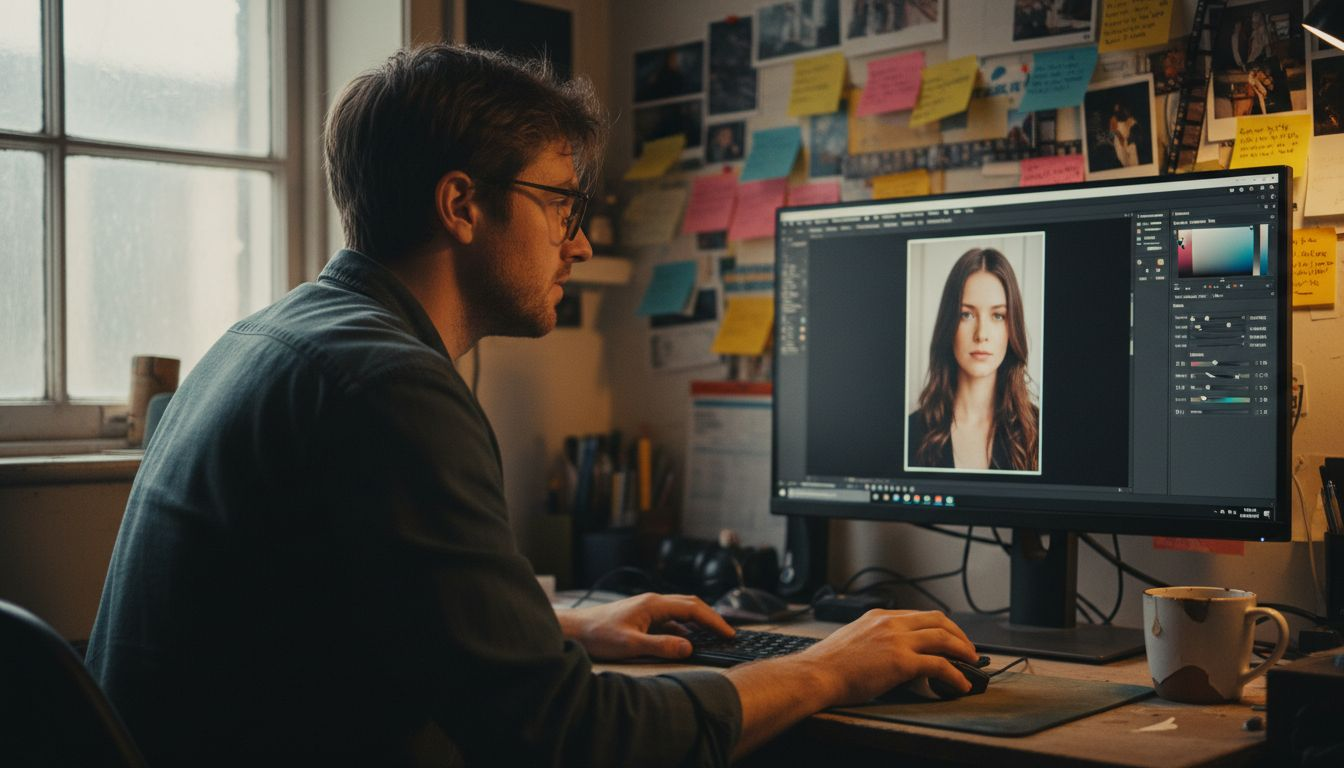
Blemish removal addresses temporary imperfections without altering permanent features. For humans, this includes spots or minor skin irregularities. Pet portraits may require removal of debris in fur or temporary markings. The key is maintaining authenticity whilst presenting the subject at their best.
Eye enhancement dramatically improves portrait expressiveness. Brightening catchlights, sharpening detail, and adjusting colour saturation draw viewers to the subject’s gaze. This technique requires careful preparation of portrait photos to ensure sufficient detail for enhancement.
Texture handling differs significantly between species. Human skin retouching preserves natural pores whilst smoothing uneven tones. Pet fur demands attention to individual hair strands and layering, similar to professional grooming techniques that enhance natural coat appearance.
- Dodge and burn tools sculpt dimension through light and shadow
- Frequency separation separates texture from colour for independent editing
- Clone stamp removes distractions whilst preserving surrounding detail
- Adjustment layers enable non-destructive colour and tone modifications
- Sharpening tools enhance edge definition for crisp final images
Popular software includes Adobe Photoshop for comprehensive control, Lightroom for batch processing, and specialised portrait apps. Each offers different capabilities suited to various retouching needs and skill levels.
Common misconceptions about portrait retouching
Many assume retouching equals dramatic alteration, but professional work involves subtle improvements. The goal is enhancing what exists, not creating something entirely different. Viewing examples of natural pet portraits demonstrates how minimal edits achieve maximum impact.
Another myth suggests more retouching always produces better results. Excessive editing creates artificial appearances that reduce authenticity. Research shows clients prefer portraits maintaining recognisable features over heavily manipulated images.
Automated tools offer convenience but cannot replace skilled manual retouching. Algorithms lack understanding of individual subject characteristics, often producing generic results. Human judgement remains essential for preserving personality and unique traits.
“The best retouching is invisible—viewers should see a beautiful portrait, not obvious editing.” — Professional portrait retoucher
Client expectations play a crucial role in retouching success. Misunderstandings about the process lead to disappointment when results differ from imagined outcomes. Clear communication before work begins prevents these issues.
- Retouching enhances rather than transforms subjects
- Subtlety produces more satisfying, natural results
- Manual editing preserves individual character better than automation
- Setting realistic expectations ensures client satisfaction
Comparison of manual vs automated retouching techniques
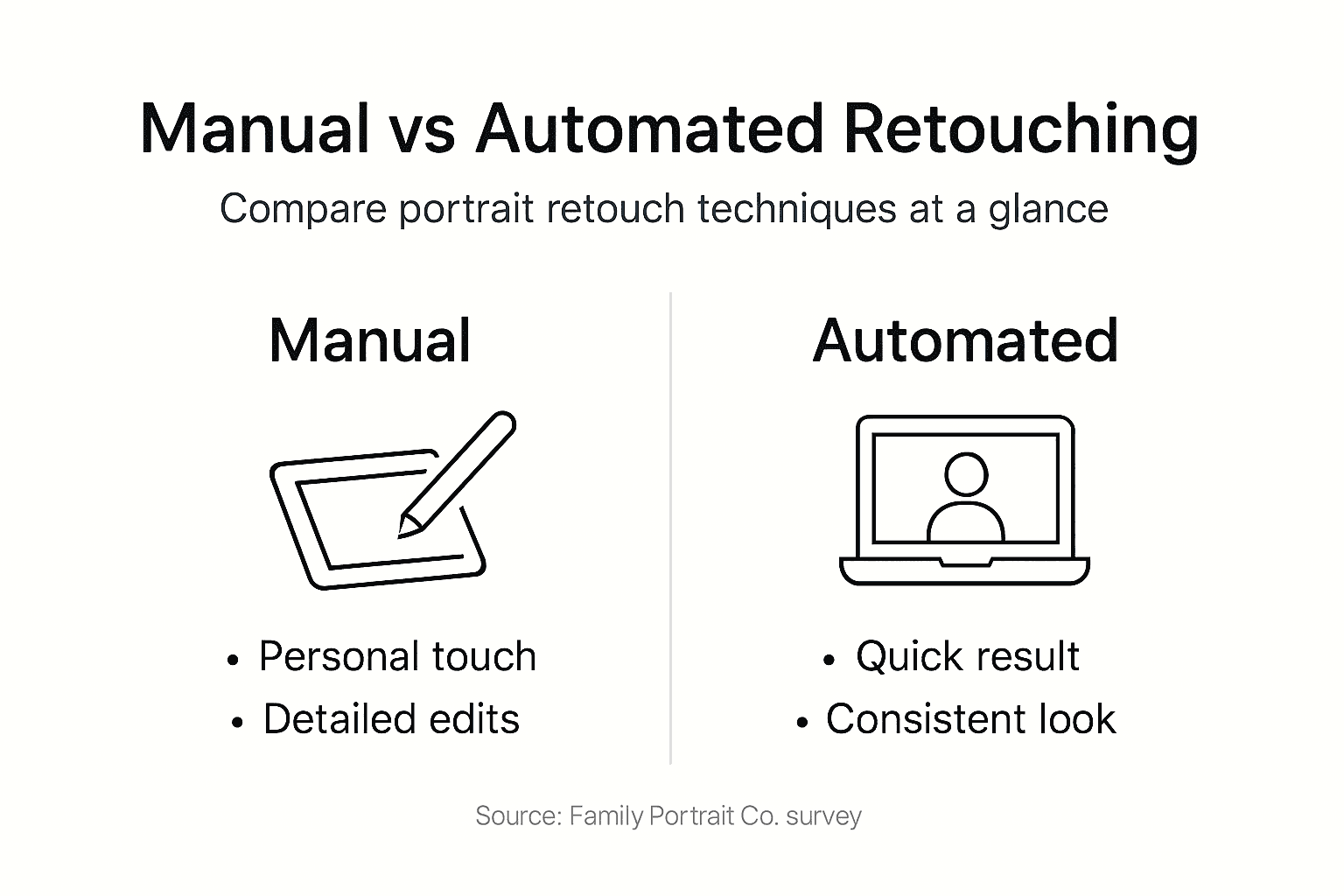
Manual retouching provides personalised, high-quality results through individual attention to each portrait element. Skilled retouchers make nuanced decisions based on artistic judgement and subject characteristics. This approach takes longer but delivers superior authenticity and detail preservation.
Automated retouching excels at speed and consistency, processing multiple images quickly. Batch operations suit commercial photography needing uniform results. However, algorithms cannot match human sensitivity to subtle features distinguishing one subject from another.
Mixed approaches combine both methods strategically. Automated tools handle initial adjustments like exposure and colour balance, whilst manual refinement addresses specific features. This workflow balances efficiency with quality for various types of digital portraits.
| Aspect | Manual retouching | Automated retouching |
|---|---|---|
| Quality | Highly personalised, preserves unique traits | Consistent but generic results |
| Speed | Time-intensive, detailed work | Fast batch processing |
| Trait preservation | Excellent individual feature retention | May flatten distinctive characteristics |
| Cost | Higher due to time investment | More economical for volume |
| Best for | Custom portraits, fine art | High-volume commercial work |
Pro Tip: Request sample edits before committing to full retouching. This reveals the artist’s style and helps ensure alignment with your preferences.
Decision-making: how much retouching is enough?
Evaluating original photo quality determines appropriate retouching extent. High-quality images with good lighting require minimal adjustment, whilst challenging photographs may need more intervention. Assess exposure, focus, and colour accuracy before deciding on edits.
Discussing preferences with your artist prevents miscommunication. Some clients prefer barely-there retouching, others want more polished results. Specify which features to emphasise and which to leave untouched. This conversation about portrait style and retouching level shapes the final outcome.
Portrait purpose influences retouching decisions. Casual keepsakes benefit from minimal editing maintaining everyday authenticity. Formal display pieces may warrant more refinement whilst preserving natural appearance. Consider where the portrait will hang and who will view it.
- Examine the original photograph’s strengths and limitations
- Identify specific features you want enhanced or preserved
- Discuss your vision and preferences with the artist
- Request a light edit first, adding more if needed
- Remember that less often achieves more natural results
Pro Tip: Start conservative with retouching. You can always request additional edits, but reversing over-retouching requires starting fresh.
Practical tips for pet owners and families
Communicating retouching preferences clearly prevents disappointment. Describe your desired style using specific terms like “natural,” “minimal,” or “polished.” Share reference images showing retouching levels you appreciate. The more detailed your communication, the better your artist can match your vision.
Understanding the retouching process helps set realistic expectations. Ask artists about their workflow, typical revision rounds, and tools used. This preparation for portrait photos and retouching ensures everyone understands the creative journey.
Reviewing proofs carefully before final approval catches issues early. Examine details at full size, checking eyes, fur or skin texture, and colour accuracy. Provide specific feedback rather than vague comments. Instead of “make it better,” say “brighten the eyes slightly” or “reduce skin smoothing.”
Knowing when to approve prevents over-editing. After two or three revision rounds, additional changes often create diminishing returns or introduce new problems. Trust your initial reaction—if the portrait feels natural and captures your subject’s essence, approve it.
- Specify retouching extent: natural, moderate, or heavily polished
- Ask about the artist’s retouching philosophy and typical approach
- Review proofs on calibrated screens in good lighting
- Provide constructive, specific feedback on each revision
- Use a portrait checklist for families to track preferences
- Approve when the portrait feels authentic and appealing
Discover expertly retouched custom pet and family portraits
Now that you understand portrait retouching principles, experience professional results firsthand. The Family Portrait Company specialises in manual retouching that enhances natural beauty whilst preserving authentic features. Our artists create custom pet portraits and family artwork with personalised attention to your preferences.
Every custom portrait from your photo receives expert retouching tailored to your vision. We balance technical skill with artistic sensitivity, ensuring your portraits showcase subjects at their best. Our transparent process includes revision opportunities, giving you control over the final result. Following our portrait photo preparation tips ensures optimal starting material for beautiful, naturally enhanced artwork.
Frequently asked questions
What is the main goal of portrait retouching for pets and humans?
The primary goal is enhancing visual appeal whilst preserving natural features and authenticity. Professional retouching focuses on subtle digital enhancements that create balanced, realistic portraits rather than artificial transformations.
How does manual retouching differ from automated tools?
Manual retouching offers personalised, nuanced edits that preserve unique traits and individual character. Automated tools provide speed and consistency but lack the subtlety and artistic judgement necessary for truly distinctive results.
What should I communicate to artists regarding retouching?
Specify your desired retouching level, whether natural or stylised, and identify features to emphasise or leave untouched. Discuss the revision process upfront to establish clear expectations and prevent over-editing through multiple unnecessary rounds.
Can over-retouching negatively affect my portrait?
Excessive retouching creates unnatural appearances and reduces client satisfaction significantly. Maintaining subtlety is essential for authentic portraits that capture your subject’s true personality and distinctive characteristics.
Recommended
- What Is Portrait Editing? Complete Guide for Families – The Family Portrait Companys
- Portrait Display Guide 2026: 45% Fewer Revisions – The Family Portrait Companys
- Ensuring Photo Quality for Portraits: A Family Approach – The Family Portrait Companys
- How to Preserve Portrait Quality for Timeless Memories – The Family Portrait Companys